


Your portfolio is up since Friday. Did a holding gain value, did you add cash, or did an account you already own appear in the total for the first time? A useful investment tracker helps you tell those stories apart. In Bluwhale, start with your connected financial profile, pick one holding you know and work back to the account that holds it.
Investment tracker evaluation checklist
Choose one question you want answered each month. “How much of my money is in crypto?” needs wallet values and a sensible total to compare them with. “How much cash could I use this week?” needs the balance in the account you would actually spend from. Write down which accounts belong in your answer before you look at a chart.
- Coverage. Can you identify which accounts and wallets make up the total?
- Value. Can you reproduce the value of one holding from its quantity, price and currency at the same point in time?
- Change. Can you separate a deposit, a transfer and a price move when you compare two dates?
Open Bluwhale’s portfolio tracker with those questions in mind. Start with the account you check most often and the wallet or exchange that you normally have to open separately.
Read your Bluwhale profile one holding at a time
Bluwhale for Individuals brings banks, cards, wallets and exchanges into one financial profile. The allocation view gives you a reason to look closer. If a token now takes up a larger slice than last month, check its quantity first. More units can point to a purchase or transfer. If the quantity stayed the same, compare prices at the two dates and check whether the value of your other holdings fell.
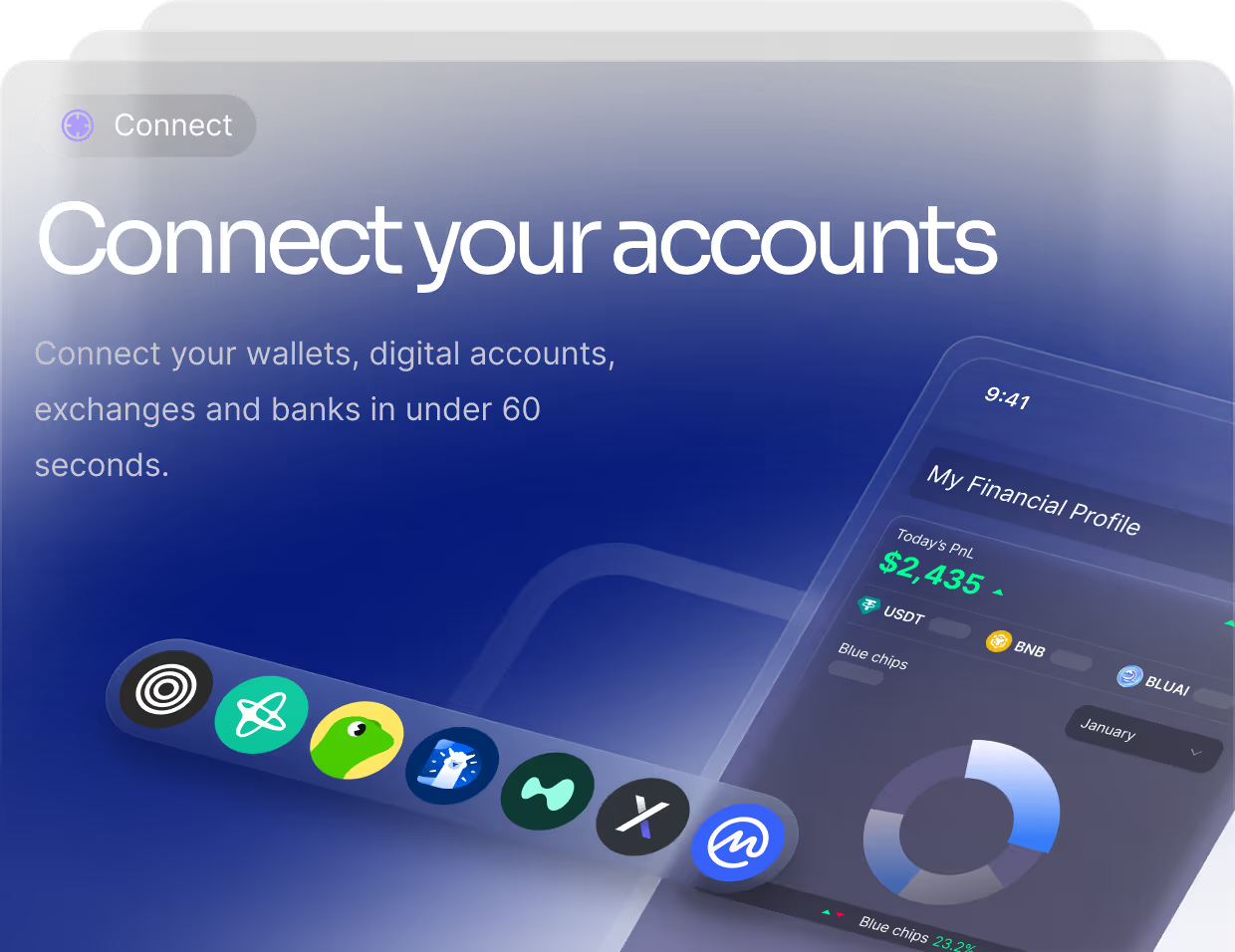
Use WhaleScore when the question is about your overall financial health. Use the underlying holding when the question is why a particular position changed. If you also want to subtract what you owe, switch the question to net worth. A card balance and the market value of a token play different roles in that calculation.
Check one balance you can reproduce
Take a statement showing ten units at $25 each and $150 in cash. The account is worth $400. If your investment tracker shows $550 for the same account and date, the $150 difference gives you a place to start: is the cash already included in a subtotal that you added again?
Now look at the next statement. If you moved $150 from checking to the investment account, the receiving account grew by $150. Across both accounts, you still own the same money, assuming no fees or other activity. Check that the debit and credit both posted before interpreting a change in your Bluwhale profile. Accounts can update at different times. Plaid’s investment data guide explains how scheduled updates work for one provider.
Check what a report includes before you rely on it
Put the statement beside the chart. Do both cover the same dates and currency? Does the change include cash you contributed? A chart can correctly show a rising balance even when the investments themselves earned nothing during that period.
In Bluwhale, you choose which connections to share with an agent. Looking at a holding and approving a transaction are separate decisions. For a portfolio review, start with the information you want to see. Review the account, asset and amount separately if you later choose an agent action.
What if your broker only gives you a file?
If a monthly CSV is your only record, make file handling a condition of your tracker comparison. Take two consecutive statements and check what happens when they overlap. Our investment software import and export test explains what to look for in the file.
Would the same trade appear twice?
Say the first file ends with trades T8 and T9. The next starts with T9 and ends with T10. You made three trades. If the resulting history lists four, trace the extra T9 before trusting the closing quantity. Save the original statements so you can reproduce the check if you switch tools.
Decide whether the investment tracker fits your routine
Come back to the question you chose at the start. Can you point to the accounts behind the total, explain the holding that changed and identify any balance still missing? Use a second month to see which parts of that review you would have to rebuild by hand. That recurring work matters when you compare the annual cost of two tools.
If most of your time goes into opening separate bank and crypto apps, read how a single financial view works, then explore portfolio tracking with Bluwhale. Pick one position from your last statement. Its quantity, price and place in the rest of your money give you a concrete starting point.
How many accounts should I connect first?
Start with one account you can reconcile. Add a second when your question spans both, such as a transfer from your bank to an exchange. Keep the same reporting date as you expand the view.
Can WhaleScore tell me my investment return?
WhaleScore gives you Bluwhale’s view of financial health across your connected profile. To calculate the return on an investment, use its starting and ending value and account for contributions and withdrawals during the period.